
Benefits of a Digital Slide Scanner for Modern Digital Pathology
A Digital Slide Scanner converts glass slides into detailed image files that laboratory teams can open, review, and share without a microscope stage. This guide explains how the technology works, where it helps, which selection mistakes to avoid, and how to keep results consistent.
From Glass Slide to Shared Image
Glass slides have supported diagnosis and research for generations, yet one slide can sit under only one microscope at a time. A pathology slide scanner removes that limit by recording the whole tissue section as a panoramic image. Once saved, the image can be browsed online, discussed with colleagues, and stored next to clinical information.
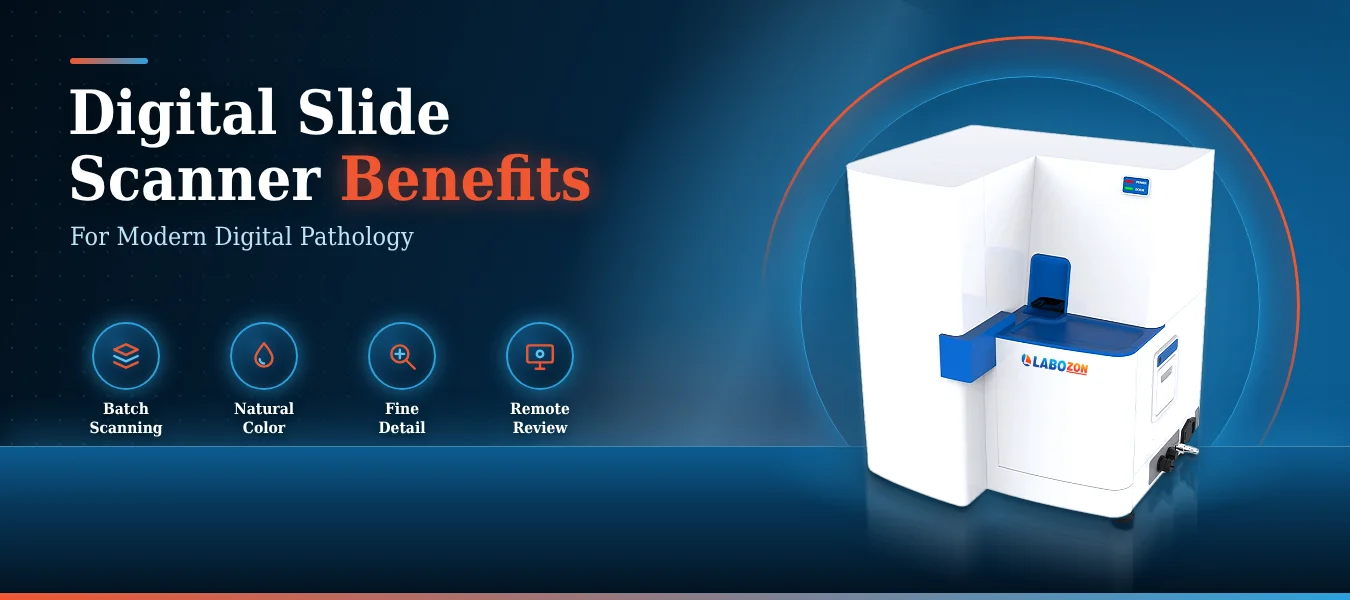
For a digital pathology laboratory, this changes how cases are queued, shared, and archived. Instead of slide boxes stacked in cabinets, the team builds an organized image library inside a digital pathology system. The Digital Slide Scanner LZ-DSS-A100 from Labozon is made for this transition, serving hospitals, histology laboratories, and research centers.
How the Scanning Process Works
Knowing the working principle of a Digital Slide Scanner helps a team judge image quality and plan its routine. The sequence below follows a slide from the tray to the reviewer
- Loading. Up to one hundred twenty slides can be placed in the tray, or a single slide can be loaded quickly by hand. One by three inch and two by three inch slides are accepted.
- Identification. The scanner reads a bar code or QR code label so each image can be linked to its case record.
- Imaging. An LED light source illuminates the tissue while a three CCD line scan camera captures it line by line, recording natural color.
- Movement. A magnetic levitation stage with non-contact motor drive and linear magnetic axis motor control carries the slide quietly and steadily during the scan.
- Focus. Automatic focus handles routine slides, manual focus is available for difficult ones, and Z-stack scanning captures tissue depth.
- Storage. Finished images join clinical information in one database for later review.
Advantages for Daily Laboratory Work
Predictable Batch Timing
Because scan time is stated per slide, a laboratory can plan a full tray with confidence. The LZ-DSS-A100 needs about forty seconds per slide at twenty times magnification and about one hundred seconds at forty times, measured over a fifteen millimeter by fifteen millimeter area. One click starts the whole set, so technicians can return to other bench work.
Fine Detail for Careful Reading
Scanning resolution reaches half a micron per pixel at twenty times and a quarter micron per pixel at forty times. Nanoscale positioning accuracy supports panoramic images captured with high precision and quality, which helps reviewers examine tissue without returning to the glass.
Collaboration Beyond the Bench
A digital pathology slide scanner turns a single slide into a file that several specialists can study. Online image browsing supports diagnosis and reporting, and remote pathological diagnosis is supported, so a case can be reviewed without moving the original slide. Keeping images beside clinical information makes later diagnosis convenient and timely.
Flexible Output
With a Digital Slide Scanner, images can be saved in common formats including JPEG, TIFF, and BMP, so teams can choose the file type that matches their storage and viewing needs.
Practical Use Cases Across Laboratories
A Digital Slide Scanner serves different routines depending on the setting.
- Hospitals and clinics: slide digitizing, diagnostic image review, and remote consultation.
- Pathology and histology laboratories: histological slide imaging and panoramic views of tissue sections.
- Research institutes and research centers: research slide imaging, image review, and the building of a digital slide database.
- Microbiology and immunology laboratories: bacterial and immune slide imaging with online browsing.
- Life science and pharmacological research: biological, genetic research, and pharmacological slide digitizing.
Many laboratories keep a microscope nearby for quick live checks, while the scanner handles batch digitizing in the background.
Common Selection Mistakes to Avoid
Specification sheets for any Digital Slide Scanner can look similar, so these oversights are worth checking before a decision.
- Judging by tray size alone. A large tray helps only when scan time at the required magnification fits the daily schedule.
- Overlooking slide format. Confirm that the instrument accepts the slide sizes your laboratory actually uses.
- Ignoring label reading. Without bar code or QR support, linking each image to its record becomes a manual task.
- Skipping depth control. Thick sections may need Z-stack scanning, so check that it is offered.
- Forgetting the workstation. The suggested accessories list an Intel Core I seven processor or above, one terabyte of storage or more, sixteen gigabytes of memory or more, and a monitor of twenty four inches or larger.
User Tips and Recommended Practices
Small habits help a Digital Slide Scanner deliver consistent images from the first batch.
- Match magnification to the question: twenty times for overview work, forty times when cellular detail is needed.
- Group slides by size and magnification so one run needs fewer setting changes.
- Clean slide surfaces before loading, since dust and smudges can affect image clarity.
- Let automatic focus lead, and switch to manual only for slides that need extra attention.
- Choose a file format that suits the intended use, then keep folder and file names consistent so the archive stays searchable.
- Train operators on both focus modes so the team can handle unusual slides calmly.
Exploring the Wider Product Category
The Digital Slide Scanner sits within the broader microscopy category, next to stereo, fluorescence, biological, digital, inverted, polarizing, and confocal microscopes as well as microscopic cameras. Laboratories comparing options in this category usually weigh magnification range, imaging method, how samples are loaded, and how images are stored and shared.
To see the full range, visit the microscope category page. Labozon Scientific Inc., a USA based manufacturer of laboratory equipment, also lists its complete catalog on the Labozon home page.
Comparing Digital Slide Scanner Manufacturers
When reviewing digital slide scanner manufacturers, compare documentation on the same basis. The LZ-DSS-A100 product page, for example, states scan time together with magnification and scan area, and a downloadable catalog is available for offline review.
| Comparison Point | What to Look For |
|---|---|
| Stated scan conditions | Time per slide given with magnification and scan area |
| Image output | File formats offered and how images join case records |
| Review options | Online browsing and remote diagnosis support |
| Workstation fit | Listed processor, memory, storage, and monitor guidance |
| Application match | Use cases that resemble your daily routine |
Final Thoughts
A Digital Slide Scanner brings batch capacity, natural color, steady motion, fine detail, and simple remote review into one instrument. Matching those strengths to a laboratory routine, and avoiding the selection mistakes above, turns a tray of glass slides into an organized digital archive ready for review.
Name: Olivia Carter – Labozon
Specialty: Laboratory Equipment, Scientific Technology, and SEO Content Writing
Writing Style: Professional, informative, research-driven, and reader-friendly.
Bio: Olivia Carter is a content writer at Labozon, specializing in laboratory equipment, scientific technologies, and laboratory applications. She creates informative, SEO-focused blog articles that highlight product features, explain key benefits, and explore the practical uses of scientific instruments. Her goal is to present technical information in a clear, accurate, and accessible manner, helping laboratory professionals, researchers, and science enthusiasts make informed decisions.
Related Products


Looking for Digital Slide Scanner?
Compare available models, review product specifications, and contact the Labozon team for assistance in identifying equipment that matches your laboratory requirements.